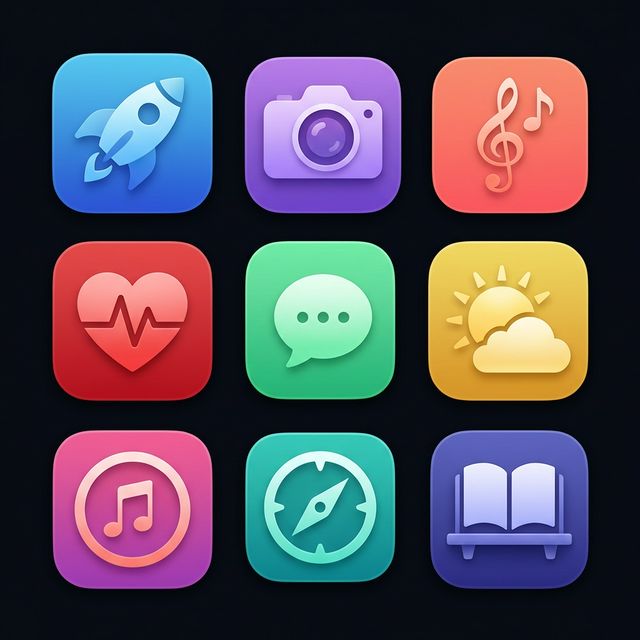
AI-Powered Icon Generation

App Store-Ready Icons in 30 Seconds

Describe your vision, pick a style, and export production-ready icons — complete with every size Xcode needs. No design skills required.

Free to try · No account needed · No credit card

⭐ 5.0 on the App Store 💰 No subscription · Pay once, use forever
30s
Generation Time
1-Tap
Xcode Export
Free
To Get Started
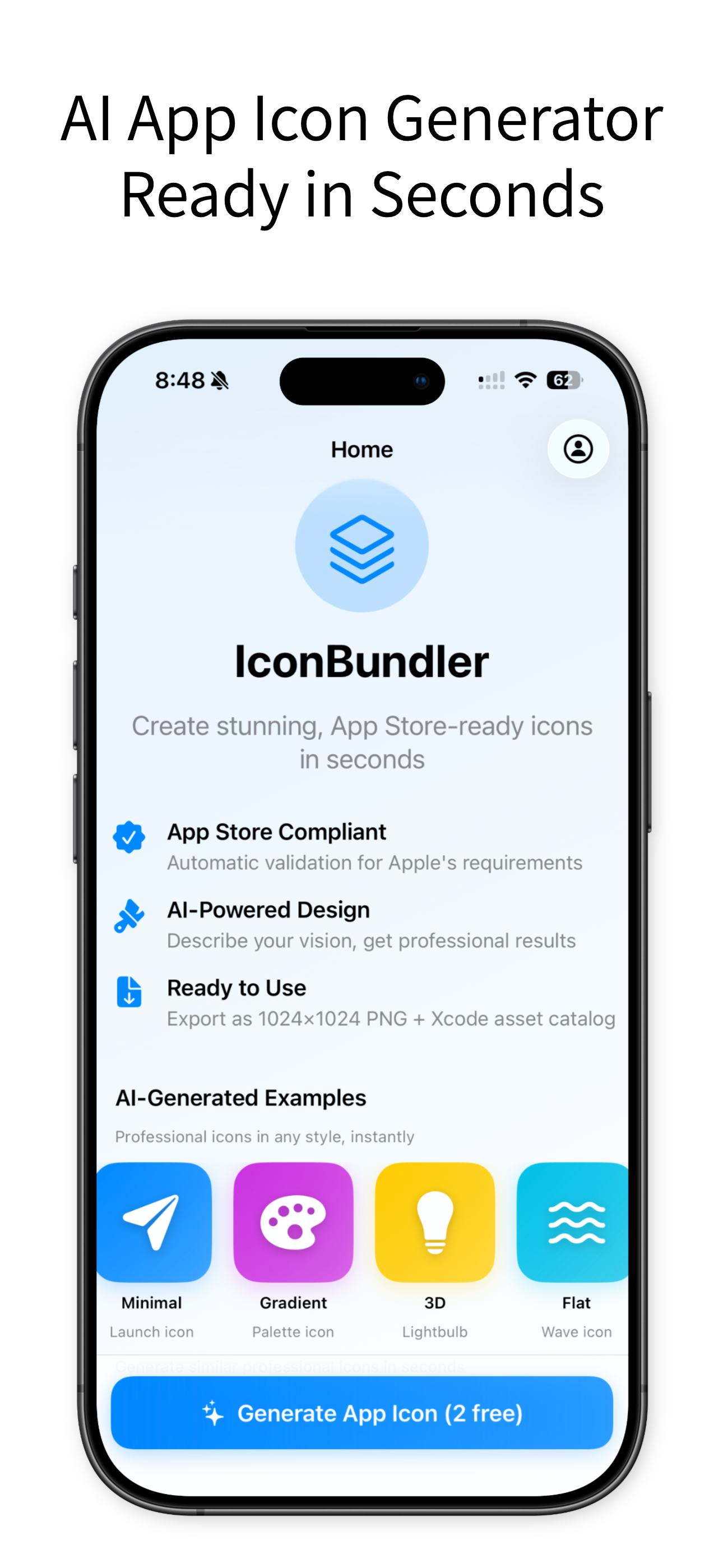
IconBundlr app screenshot

IconBundlr is an AI app icon generator that creates App Store-ready icons in 30 seconds. Describe your vision, choose from 7 visual styles, and export a complete Xcode-ready icon set — including every size and a properly configured Contents.json. No design skills needed. One-time purchase, no subscription.

🎨 AI-Powered Icon Generation
Icons in Under 30 Seconds
📦 Xcode-Ready .appiconset Export
💰 One-Time Purchase · No Subscription

Three Steps to a Perfect Icon

No design experience needed. Our AI handles the creative heavy lifting so you can focus on building your app.

1

Describe Your Vision

Tell the AI what you want — "A minimalist rocket for a productivity app" — and pick an optional category.

2

Choose Style & Colors

Select from curated styles and a color palette that matches your brand. Preview in real-time before generating.

3

Export to Xcode

Download a complete AppIcon.appiconset with every size — ready to drag into Xcode. No manual resizing, ever.

Generate an Icon Right Now

See the power of AI icon generation — describe your icon, pick a style, and get a preview in seconds.

🎯 Web preview shows 1 low-res icon. The app generates 4 high-quality variations + full Xcode export.

Everything You Need, Nothing You Don't

Built specifically for iOS developers who value speed, quality, and simplicity.

🤖

AI-Powered Generation

Describe your app icon in plain English and our AI creates multiple professional variations in under 30 seconds. Powered by advanced AI optimized for app icon design.

📦

Complete Xcode Bundle

Export a full AppIcon.appiconset with Contents.json — every required size, ready for drag-and-drop into Xcode.

30-Second Turnaround

From text prompt to exported icon in under a minute. No revision cycles, no waiting on designers.

🎨

Style Control

Choose your preferred aesthetic — from flat and minimal to vibrant gradients — plus custom color palettes.

💎

One-Time Purchase, Not a Subscription

Pay once, generate unlimited icons forever. No monthly fees, no expiring credits, no surprises. Your generated icons are yours to use commercially with full rights.

Save Time & Money

Why spend hundreds on a designer when you can generate professional icons in seconds?

Hiring a Designer
IconBundlr
Cost
$200 – $2,000+
Free to start
Turnaround
Days to weeks
30 seconds
Revisions
Limited rounds
Unlimited generations
Xcode Export
Manual resizing
Complete .appiconset
Total Value
Expensive & slow
Fast, affordable, developer-built ✓
Download Free on the App Store →

Simple, Honest Pricing

Start free. Upgrade once. No subscriptions, no hidden fees.

Free

$0
No credit card required
  • 5 icon generations
  • 7 with free account
  • Full AI generation
  • Preview all results
  • Watermarked exports
Try Free

Frequently Asked Questions

Everything you need to know about IconBundlr.

IconBundlr exports icons in two formats: a high-resolution 1024×1024 PNG file and a complete AppIcon.appiconset ZIP file. The ZIP contains every icon size required by Xcode, plus a properly configured Contents.json — just drag it into your Xcode project.

Yes! Once you purchase Export Access, all icons you generate and export are yours. You have full commercial rights to use them in your apps, submit them to the App Store, or use them anywhere else.

IconBundlr uses advanced AI models optimized for professional app icon design. You describe your vision in plain text, choose a style and color palette, and the AI generates unique, original icons tailored to your specifications — all in under 30 seconds.

No. IconBundlr offers a one-time purchase for Export Access. Pay once, generate and export unlimited icons forever. No monthly fees, no expiring credits. You can also try the app for free with 5 generations before deciding.

If you've previously purchased Export Access but it's not showing up, go to the paywall screen inside the app and tap "Restore Purchase." Make sure you're signed in with the same Apple ID used for the original purchase.

Generations can occasionally fail due to network issues or high server load. No free generations are deducted for failed attempts. Simply check your internet connection and try again.

📲 Download Free — No Account Needed